You’ve written the book, wrestled it into shape and finally reached the upload screen. Surely this is where you get to put the kettle on? Nearly. There’s a little space between a dashboard saying ‘published’ and a reader holding a book that looks right, reads right and can actually be bought without a séance.
A few quiet checks can make that last stretch much easier. Nothing heroic: just making sure the manuscript, cover and book details have arrived where you intended. Publishing systems are quite happy to accept a file called final-final-USE-THIS-one.pdf. They have no idea that you stopped trusting it last Thursday.
Published is a status. Available is a fact.
First, a small favour for your future self
Let’s start with the folder. If the approved interior and cover are easy to spot, the upload becomes a much calmer affair. Tony gives his final production files unmistakable names so he isn’t asking his future self to remember which ‘final’ was the final one. A small kindness to yourself, really. You’ve already written a book; you needn’t solve a mystery before uploading it.
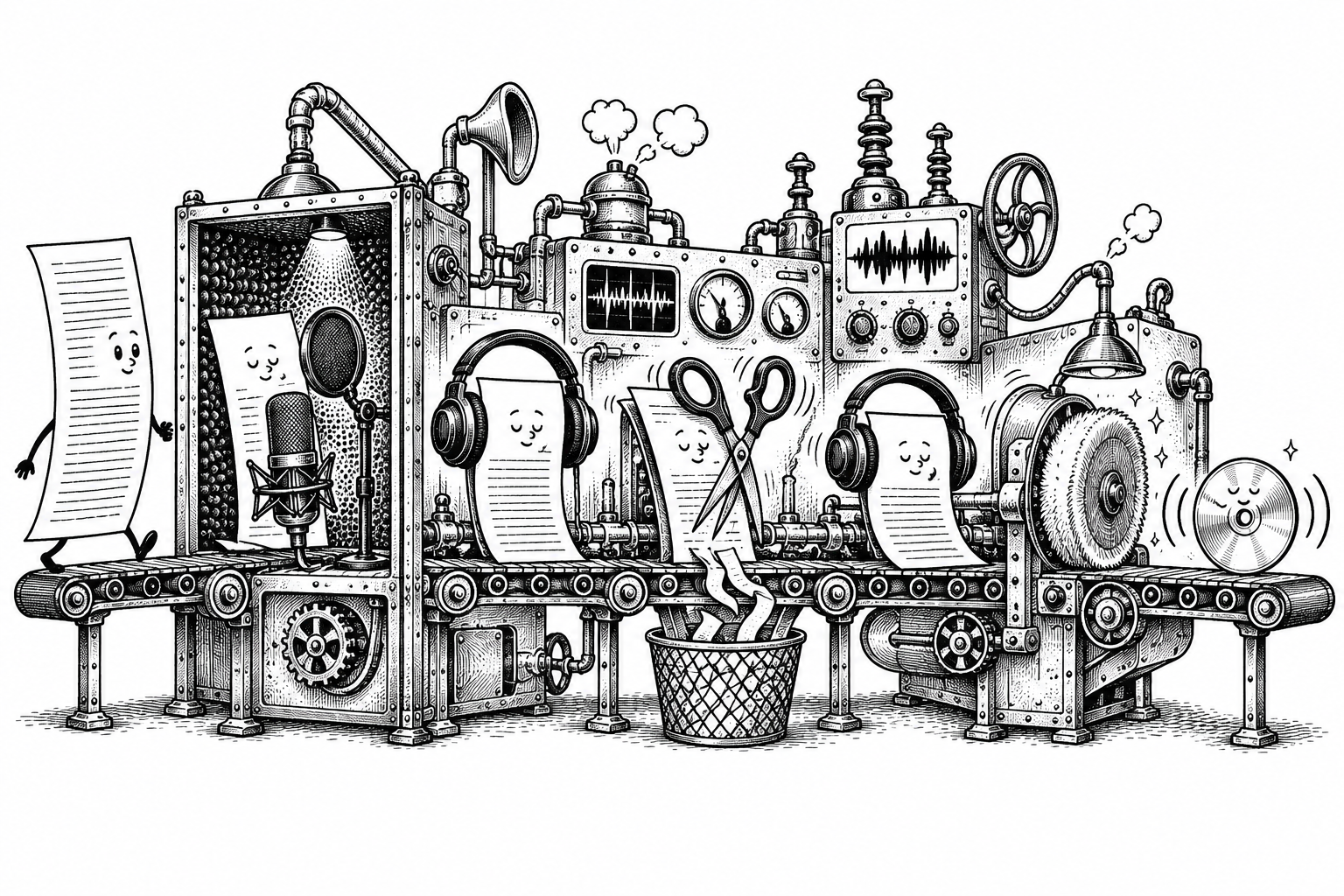
For his own releases, Tony normally brings paperback, hardback and ebook online together where that makes sense. The audiobook has its own timetable: recording, editing, mastering and distribution are practically another small building project. Your editions don’t all have to arrive at the same instant. It helps, though, if they agree on the author name, current blurb and what sort of book they’re inviting someone to read.
KDP’s upload and preview guidance is handy here. Its preview tools let you inspect the files before submission, and Amazon recommends keeping your current files before uploading replacements because earlier uploaded versions won’t remain available to download. A clearly labelled master folder is considerably less exciting than publishing. That is one of its better qualities.
From the screen to your hands
A previewer is a useful extra pair of eyes, especially when you’ve looked at page 312 so often that you could identify it in a police line-up. It can help reveal margin, font and cover-size problems. Then there’s the pleasure of holding an actual copy—and discovering how everything looks away from the screen.
Tony sometimes makes a paperback live quietly, before promoting it, so he can order the ordinary retail edition and inspect what a customer receives. That suits his workflow; it isn’t a ritual everyone has to adopt. The useful part is allowing a little breathing room between getting the book online and inviting everyone over.
There are a few ways to get that copy. KDP’s proof and author-copy guidance explains the differences: proofs are for checking and carry a non-resale watermark, while author copies are copies of a live book supplied at print cost. An ordinary retail order lets you try the customer’s route too. Whichever you choose, a little time with the physical book is time well spent.
A few millimetres on the spine can look like a lifetime of not caring.
A leisurely look around the book
The first copy may look a little different from the screen. Paper has yet to agree to become a backlit monitor, and print-on-demand colour can appear flatter or less saturated. Tony starts by separating those ordinary differences from things that genuinely need fixing. It’s a helpful way to approach it: you’re looking for a good book, not an object so perfect it achieves enlightenment on the kitchen table.
He works around the cover: the balance and placement on the front, then the title, author name and logo on the spine. Centring deserves a second look because a small drift can be surprisingly noticeable. On the back, it’s mostly a question of comfortable margins, readable text and enough contrast. Anything caught awkwardly in a fold is worth revisiting. You can take this one bit at a time; the book won’t mind being turned over twice.
Inside, the nicest question is simply: would this be comfortable to read? The type, headings, page numbers, breaks and front matter all contribute to that feeling. Larger type can help, although extra pages can also mean a higher printing cost and retail price. There’s a balance to find. Nobody needs to squeeze a novel until it resembles a tax return just to win an argument with the page count.
A visit to your own shop window
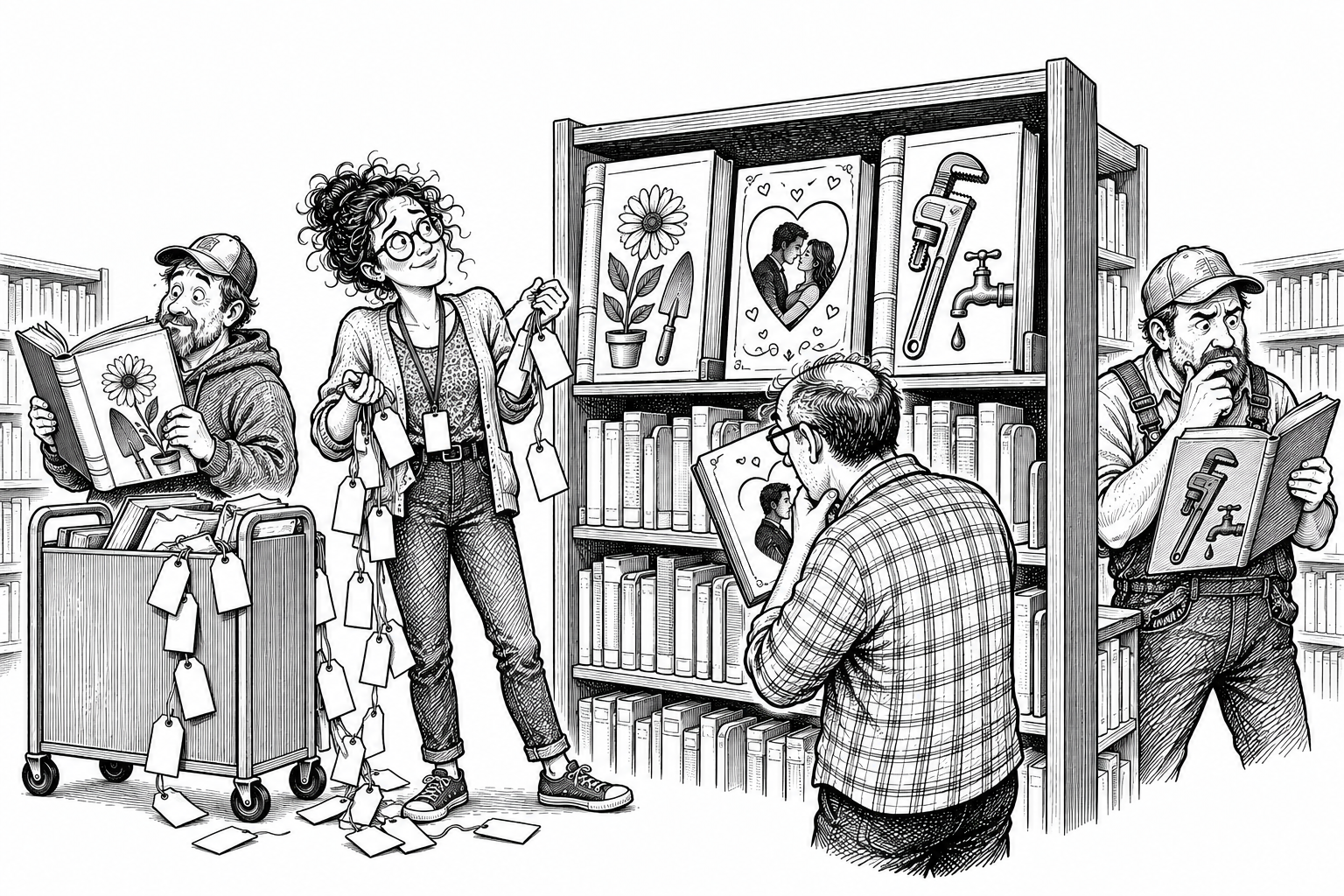
Once the editions are live, it’s worth visiting their shop pages as though you’ve just discovered the book. Blurbs have a habit of evolving right up to the last minute, so an older version can easily linger on one format while the others have moved on. If the paperback, hardback and ebook disagree, it’s usually a small piece of housekeeping rather than a publishing catastrophe.
This is your shop window: cover, description, author name, formats and price helping someone decide whether the book is for them. The interior sample is part of the invitation too. You’re giving a curious reader a comfortable way in, with a clear route to buying the edition they want. After all the work behind the scenes, it’s rather nice to stand on their side of the counter for a moment.
Your dashboard is not a launch party. It is a list of things to prove.
Found something? That’s what this bit is for.
And if you spot something? A breath, then a correction. One of print-on-demand’s comforts is that a fix needn’t leave you sharing the garage with five hundred reminders of the original mistake. KDP’s book-update guidance explains which details can be changed on an existing title and which require a new edition. That’s the place to check before making the alteration.
Leaving room for these checks before the big announcement makes them less fraught. Finding a problem at this stage means the check has done its job; it isn’t a verdict on you or the book. Fix what needs fixing, let the update work through, and have another look. There’s no prize for turning a misplaced line of text into a character assessment.
Nearly time to put the kettle on
When you’re ready to tell people, one last visit as a customer is reassuring. Can you find the book, understand the listing, inspect the sample and actually buy it? A processing message means there’s still some waiting to do. Once that route works, you can send readers there with more confidence—and stop negotiating with the refresh button.
If you’d like company through the wider business of files, book details, distribution and discovery, So You Finished the Book. Now What? picks up the rest. For now, a sound set of files, a checked copy and a working shop page are plenty to be getting on with. Then perhaps that cup of tea. Finishing is allowed to feel good.
Retailer rules and timings can change; the linked guidance is useful for the latest details on your format and market.